2,800 games in one lobby
Slots from Pragmatic Play, JILI, CQ9 and Red Tiger sit beside live blackjack, crash rounds and sports markets. Filter by provider or RTP, and the last table you opened is still there when you come back.
The 1988rice app puts the whole lobby in your pocket: 2,800 games, wallet top-ups from RM20 and one login that also works on the desktop site. Download the 36 MB APK, install it once, and stop juggling browser tabs.
Reading this on a phone? Tap Download APK and the file lands in your Downloads folder. On a laptop, scan the QR code further down and the same file opens on your handset.
18+ · Play ResponsiblyOne file, no store account needed. Chrome or Samsung Internet will hold it in Downloads until you are ready to open it, so you can install later on Wi-Fi.
Download APK1988rice.apk 36 MB Version 3.3.5
Nothing happens when you tap the button? The browser blocked the download. Open Chrome’s site settings for 1988rice.my, allow downloads, and press the button again. On iOS there is nothing to install — see the home-screen steps below.
| Version | 3.3.5 |
|---|---|
| File size | 36 MB |
| Minimum Android | 10.0 |
| Last updated | 11 Nov 2026 |
| Price | Free |
| Languages | English / BM |
Allow the browser, download the file, install it, sign in, then set up your wallet. Most players are finished inside five minutes, and only step one ever needs repeating on a new phone.
Open Settings, then Apps, then Special access, then Install unknown apps. Pick the browser you download with, usually Chrome, and switch Allow on. Android 10 and newer word it slightly differently but the path is the same.
Tap the Download APK button on this page. The 36 MB file saves straight to your Downloads folder. Keep the browser open until the progress bar finishes, because a dropped signal can leave a half file behind.
Pull down your notifications or open Files, then tap 1988rice.apk. Android shows the permissions list, then an Install button. Play Protect may scan the file first; tap More details and Install anyway, since it came from this page.
Launch the app and sign in with the details you already use on the site, or register in a couple of minutes. Your balance, bonuses and game history move with the account, not the device. Use the login page if you need to reset a password first.
Open Wallet and save Touch ’n Go eWallet, DuitNow, FPX Online Banking or Bank Transfer. RM20 is the minimum deposit and money normally shows in about 6 minutes. The first top-up unlocks the 170% welcome bonus, capped at RM775.
There is no iOS install file, so the home screen shortcut is the closest match. It opens the mobile lobby full screen, with the same wallet and the same 2,800 games.
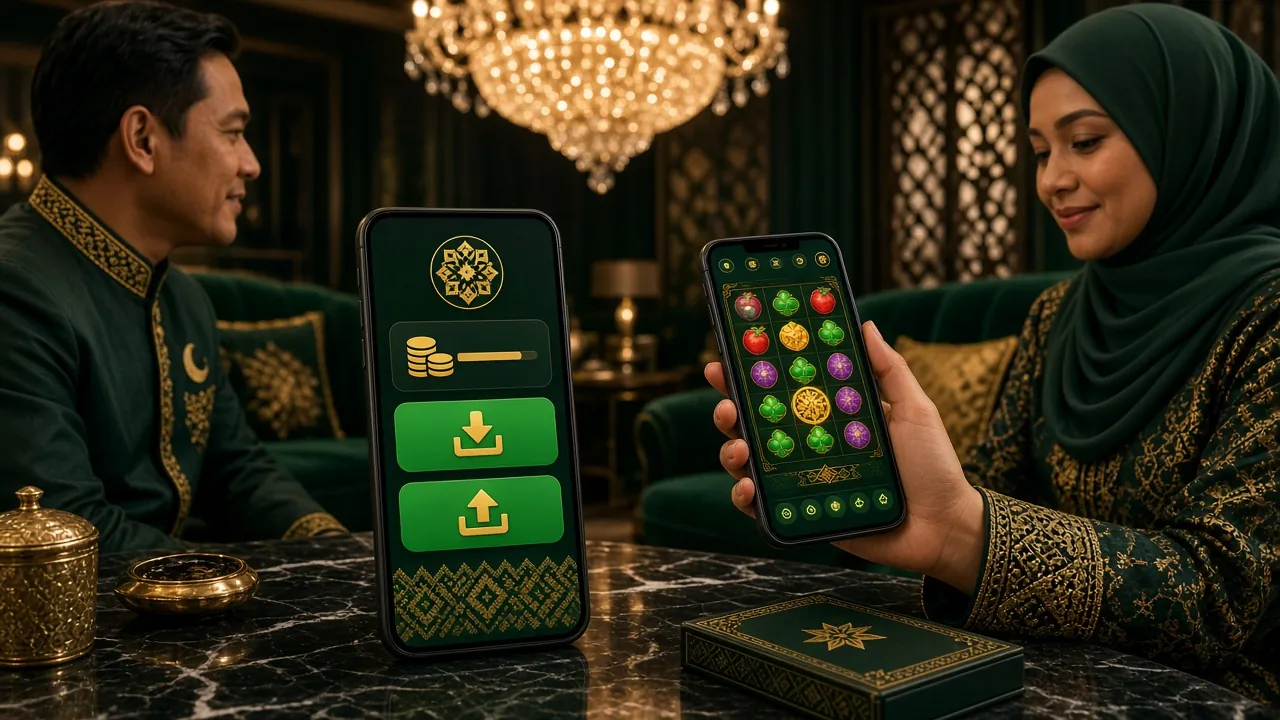
Both routes reach the same account and the same games. The differences are practical: how fast you get in, how much data you spend, and whether your phone pings you when a reload offer lands.
| What changes | 1988rice app | Mobile browser |
|---|---|---|
| Getting started | One 36 MB install, then open from the home screen | Type the address or use a bookmark, then log in each visit |
| Repeat visits | Lobby is cached, so the screen is ready almost straight away | Full page loads every time, including images and banners |
| Data use | Lighter after the first launch because assets are stored | Heavier, since nothing is kept between sessions |
| Notifications | Bonus, cashback and withdrawal alerts straight to the phone | Only if the browser allows site alerts, which many block |
| Payments | Wallet remembers your usual method for repeat deposits | Details re-entered unless the browser saves them |
| Game library | All 2,800 games, same providers, same RTP values | Identical library and identical balance |
| Updates | Manual: download the new APK when a build appears | Automatic, you always see the current version |
| Best for | Daily play on your own phone | Quick sessions on a borrowed or brand-new device |
Six things the app handles better than a browser tab, from saved payment methods to alerts that actually reach you.
Slots from Pragmatic Play, JILI, CQ9 and Red Tiger sit beside live blackjack, crash rounds and sports markets. Filter by provider or RTP, and the last table you opened is still there when you come back.
Touch ’n Go eWallet, DuitNow, FPX Online Banking and Bank Transfer all live under Wallet. Save the method you use most, confirm with your banking PIN, and the balance usually updates in about 6 minutes.
Live dealer games switch to a portrait layout with bet buttons placed for a thumb. Watch the round, chat with the dealer, and leave the table without losing track of what you staked.
Switch on notifications for reload offers, cashback credits and withdrawal approvals. Each alert opens the screen it belongs to, so you are not hunting through menus to find the offer that just landed.
The app stores the lobby instead of reloading it, which keeps sessions steady on 4G. Live dealer streams are the exception, so save those for Wi-Fi and the rest of your data lasts the month.
24/7 Live Chat opens from the menu in one tap. Ask about a stuck deposit, an APK that refuses to install or the documents for verification, and a real agent answers instead of a queue of canned replies.
RTP is shown as published by the provider. Minimum and maximum stakes are in ringgit per round.
 97.3% RTP
Red Tiger · RM2 to RM100 per spin
 96.1% RTP
Pragmatic Play · RM0.50 to RM500 per spin
97.2% RTP
Red Tiger · RM1 to RM500 per spin
95.5% RTP
JILI · RM2 to RM2,500 per spin
95.7% RTP
Sexy Gaming · RM1 to RM2,500 per round
97.0% RTP
Red Tiger · RM0.10 to RM2,500 per spin
Side-loading a file is normal on Android, but only when you know what you are installing. Here is the permission list in plain terms, plus what to check before you tap Install.
Those three cover everything the app needs: saving game files, reaching the servers and pushing alerts. It does not request your contacts, SMS or call logs. Camera access only appears if you choose to photograph a document for verification.
The genuine build is named 1988rice.apk and weighs 36 MB at version 3.3.5. If a link offers a different size, an extra “helper” app, or asks for a payment to unlock the download, close the page and return here instead.
Use a password you have not reused on other sites, lock the handset with a PIN, and log out before passing it to someone else. A shared phone is the most common reason players lose access to a balance.
Deposits finish on your bank’s page or inside your eWallet, never in a chat window. Nobody from support will ask for a banking password or a one-time code. Identity documents are reviewed in about 12 hours and are needed before your first withdrawal.
Almost every failed install comes down to a leftover old version, a broken download or a blocked permission. Work down the table in order and you will usually clear it in one attempt.
| What you see | Why it happens | What to do |
|---|---|---|
| “App not installed” | An older 1988rice build is already on the phone, or the download stopped partway | Uninstall the previous copy from Settings, Apps, then delete the broken file in Downloads and install the fresh 36 MB package again |
| Progress stalls near the end | Mobile data dropped, or the browser gave up waiting on a large file | Move to Wi-Fi, open Downloads, long-press the entry and resume. If it restarts from zero, remove the partial file first so the two do not clash |
| “Blocked by Play Protect” | Android scans every package that does not come from the Play Store | Tap More details, then Install anyway. Stop and re-download if the size is not 36 MB or the version is not 3.3.5 |
| App opens then closes | The handset runs something older than Android 10, or stale data survived from a previous install | Check Settings, About phone for Android 10.0 or newer, then clear the app storage and install once more |
| Login fails inside the app | The keyboard is pasting an old saved password, or the username has a typo | Type the password by hand, and if it still fails reset it on the login page, then sign in on the app with the new one |
18+ · Play Responsibly. The 1988rice app is free to download and meant for adults in Malaysia. Set a deposit limit before your first session, take breaks between games, and read the responsible gaming guide if play stops feeling like fun. Account and data handling are covered in the privacy policy.